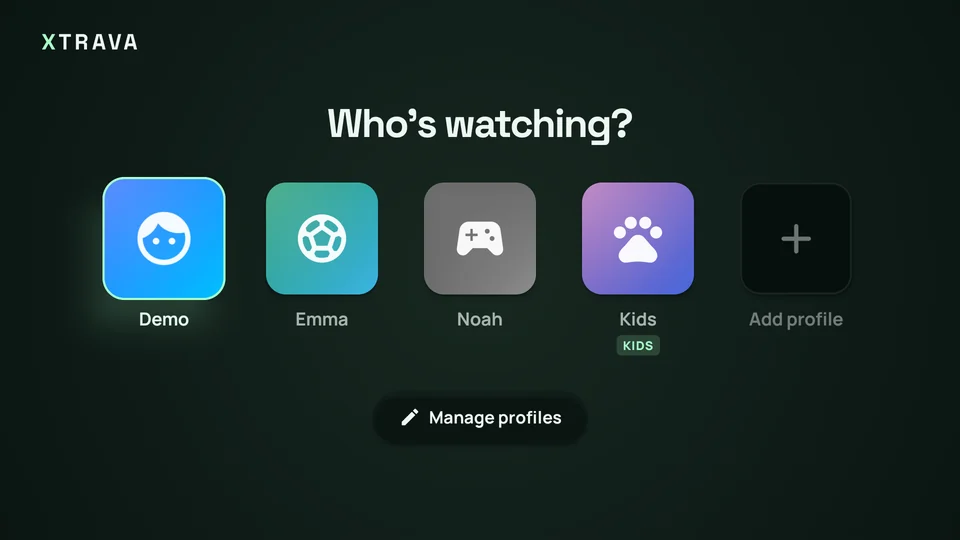
A profile for everyone
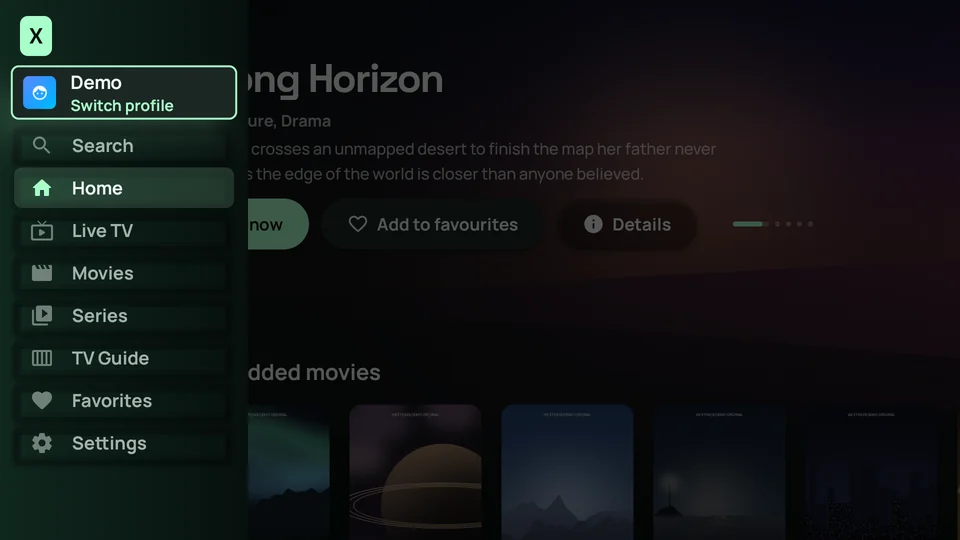
Separate favourites, history and Continue watching for each person on the account.
Xtrava turns your Xtream account into a cinematic home for live TV, movies and series. Designed for the remote, beautiful on every screen.
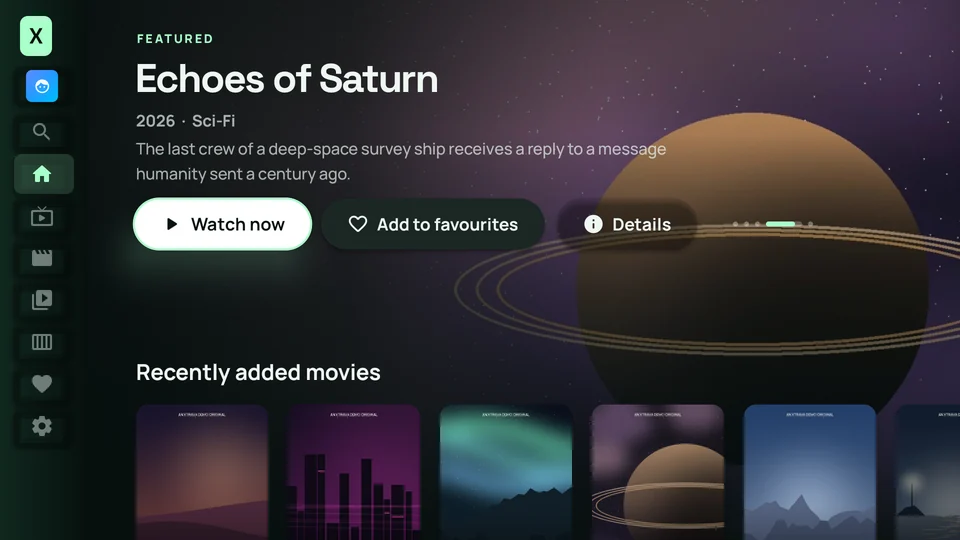
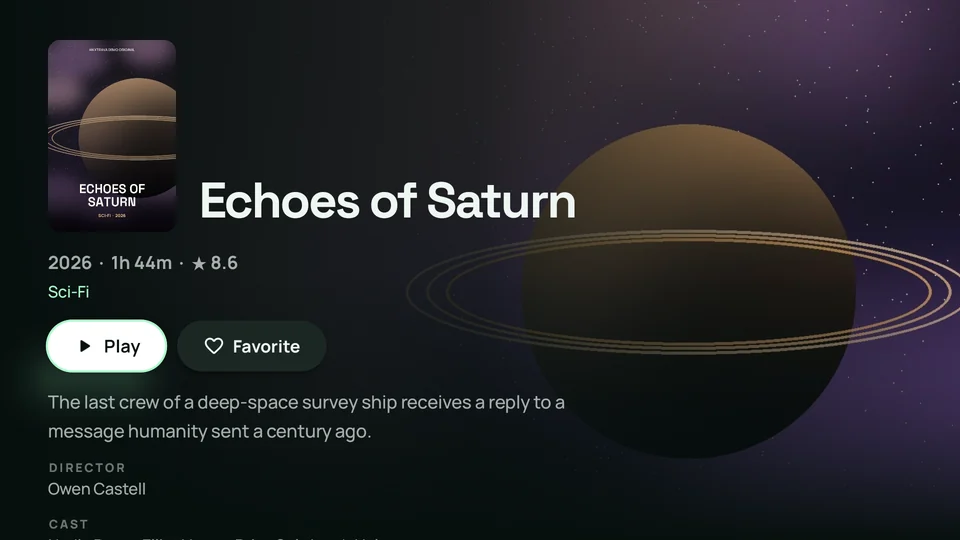
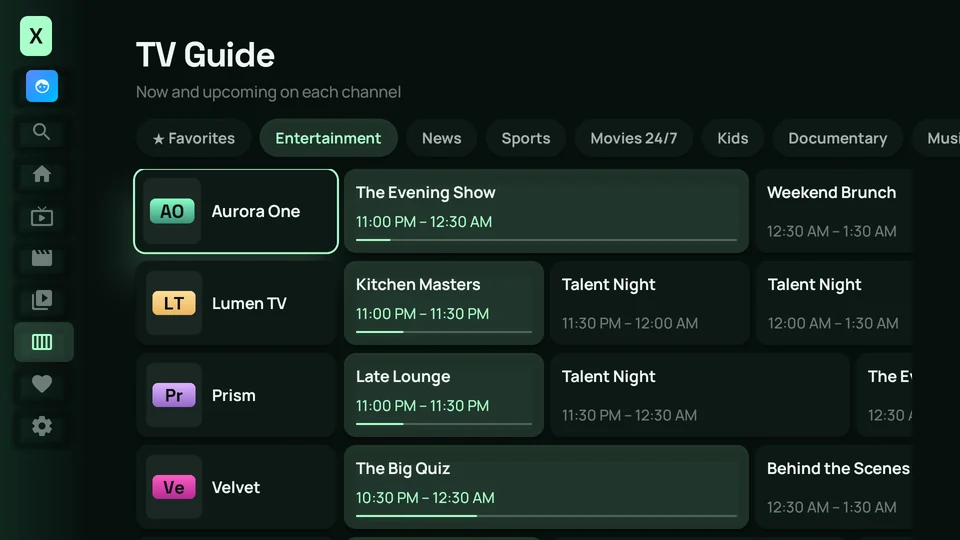
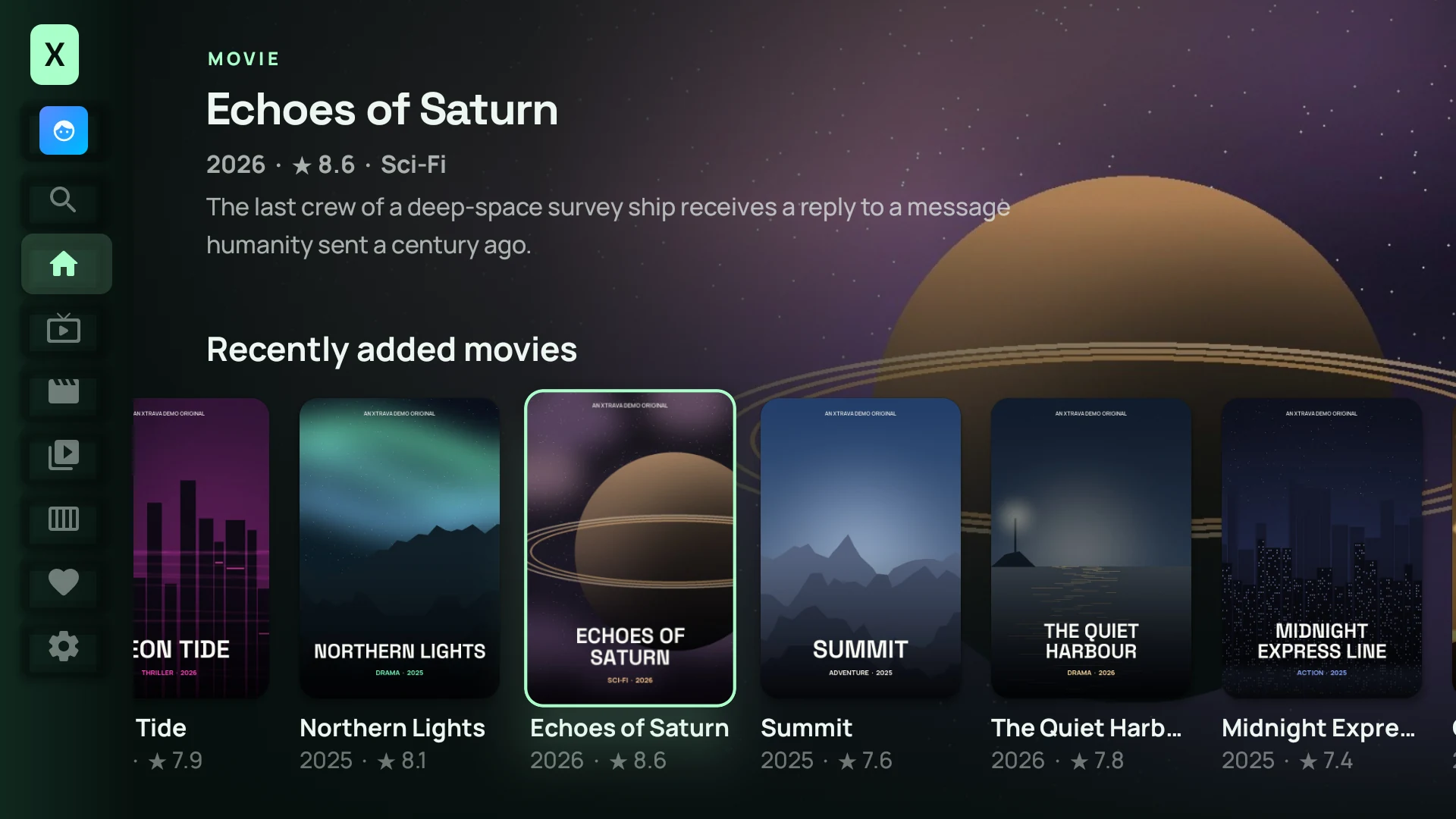
No content included. Bring the Xtream account from your authorized provider.
One app. Every screen.
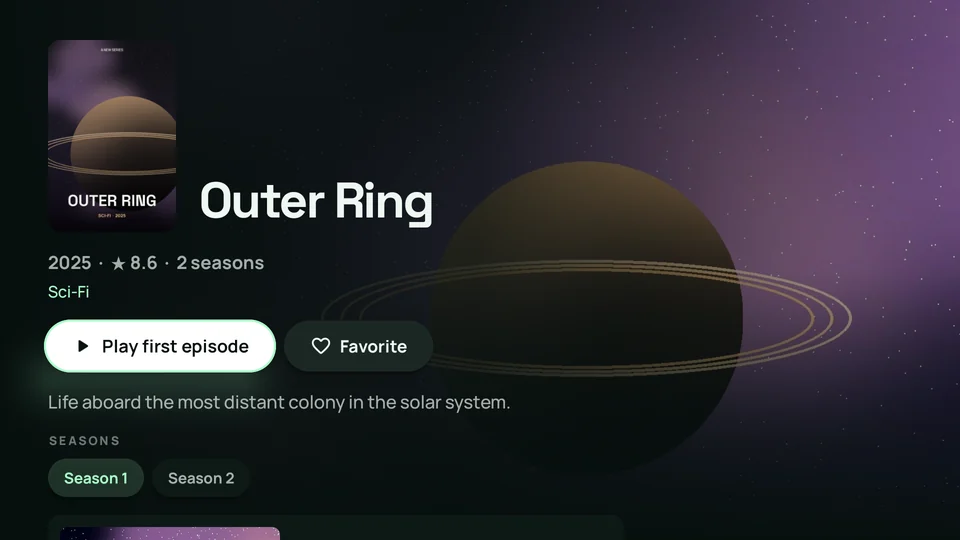
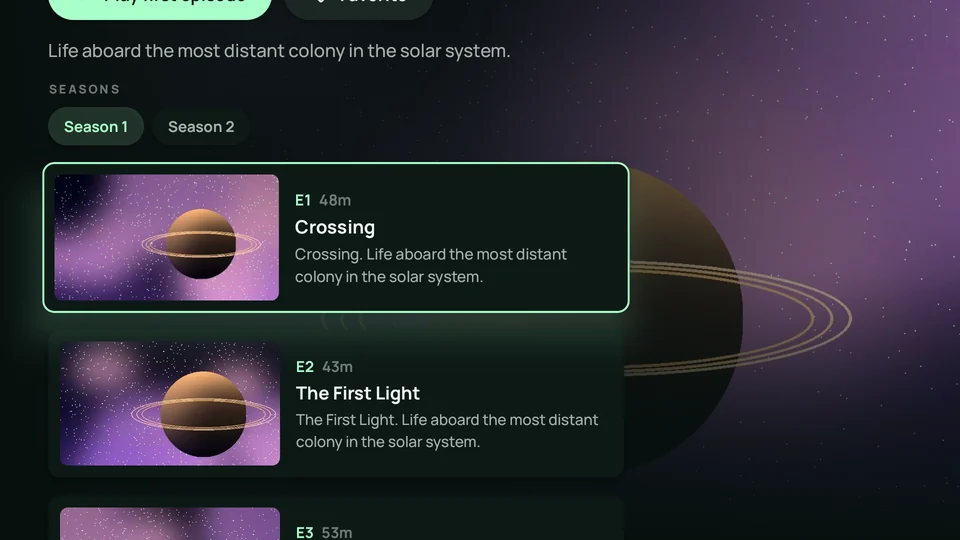
Every series opens on a full-screen page with its seasons, episode stills, running times and synopses. Pick up where you left off, or let the next episode start on its own.
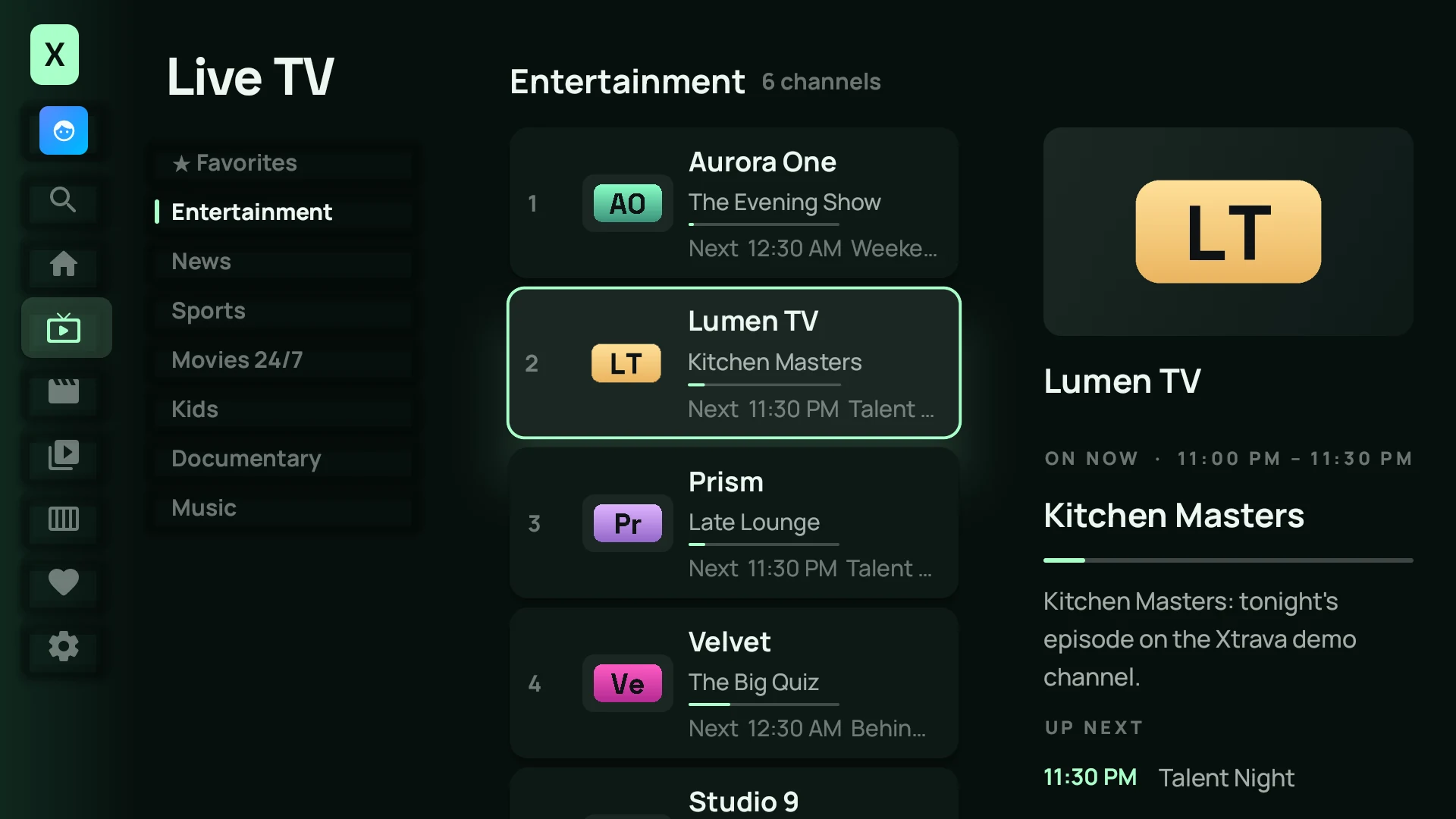
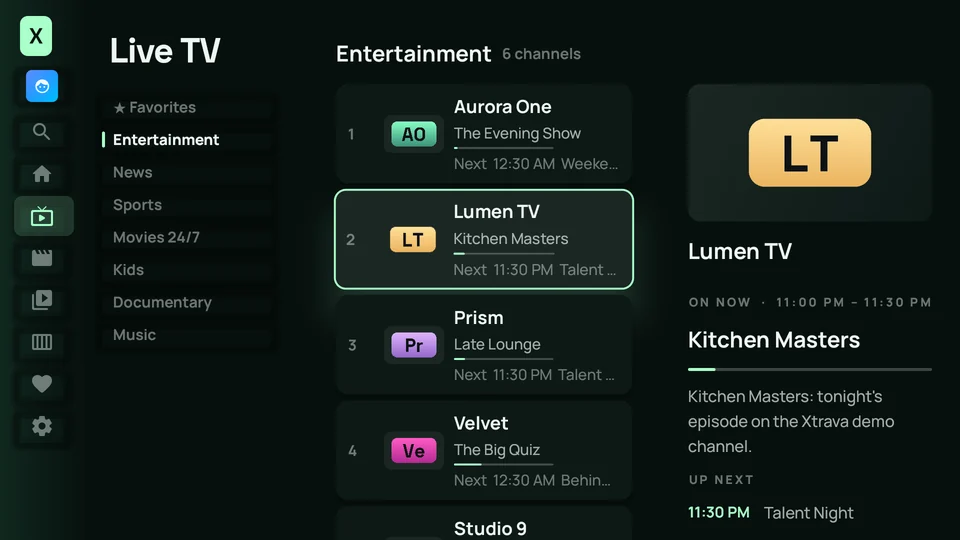
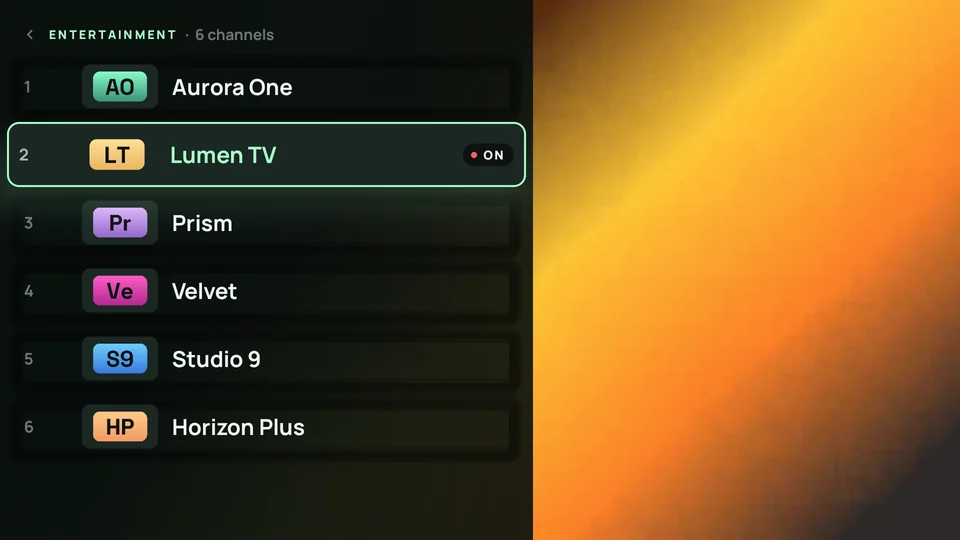
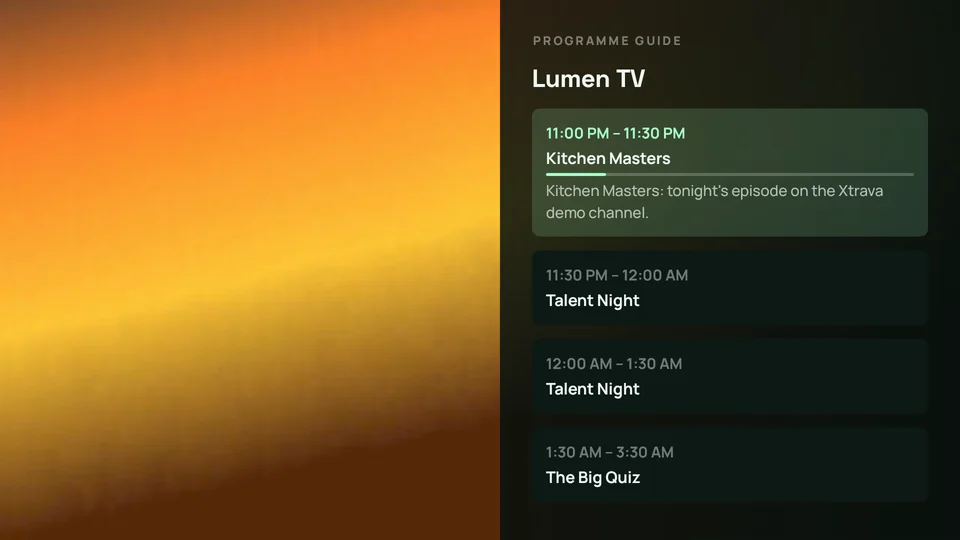
Press once to see every channel in the category, press again for what's on later. The picture keeps playing beside you the whole time.
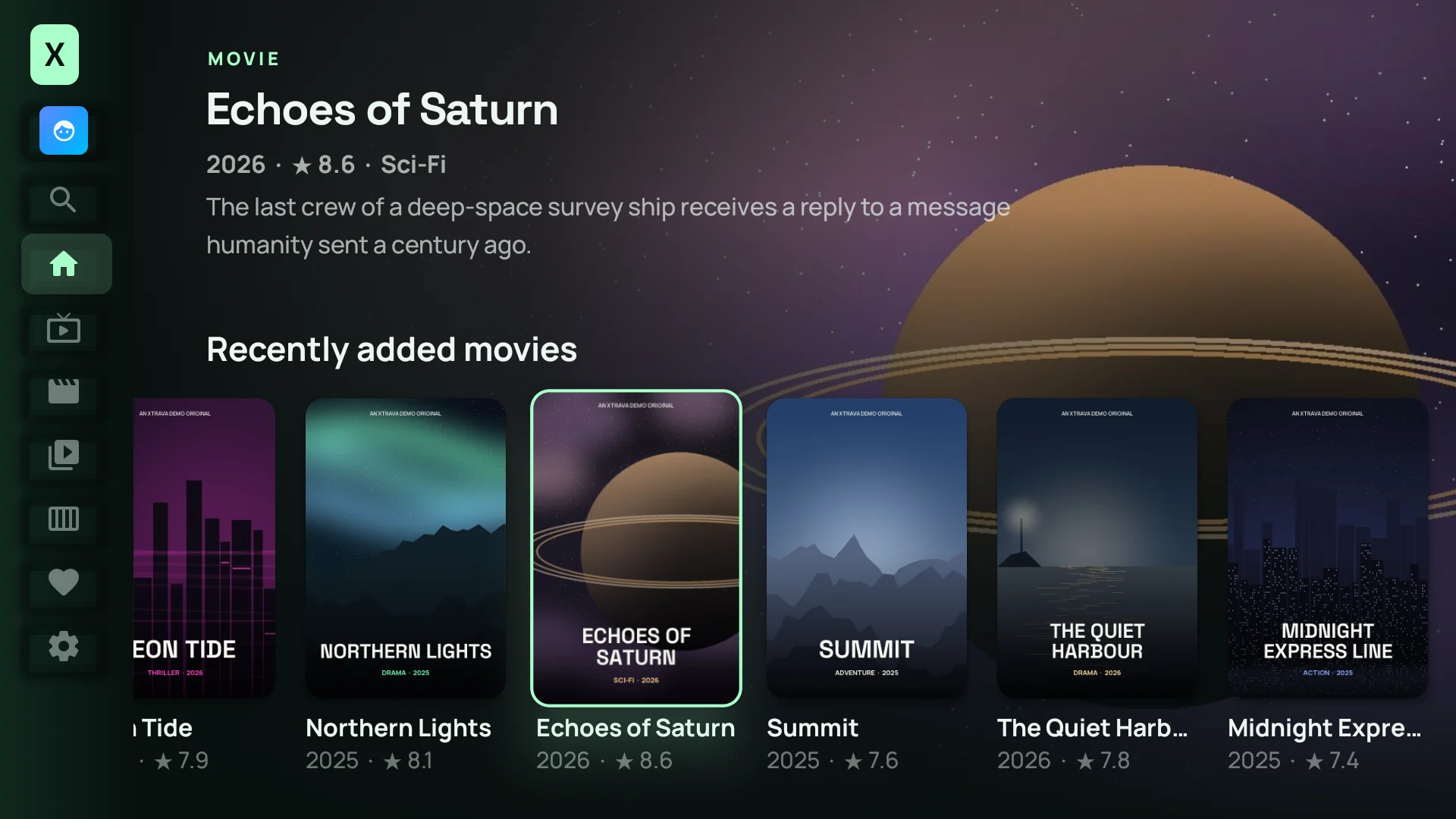
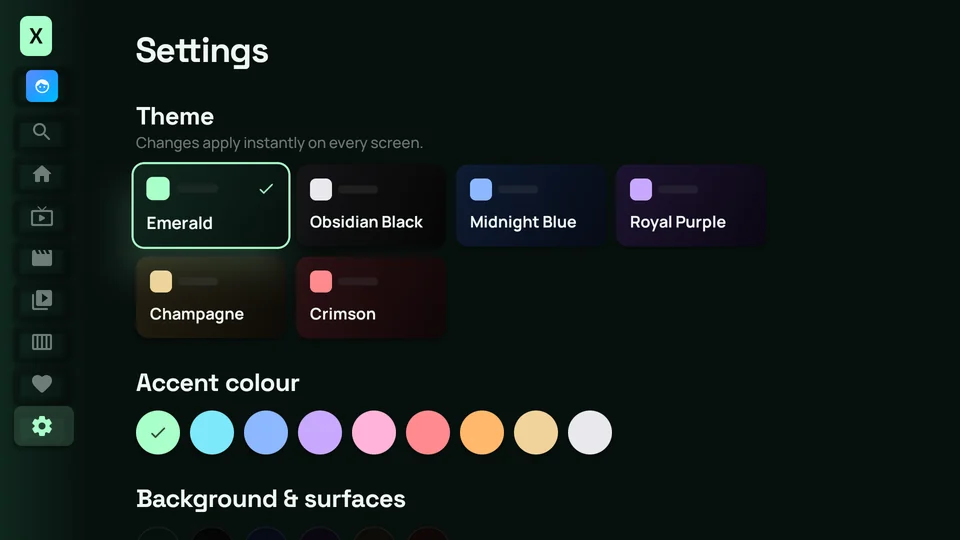
Pick a theme and the whole app changes instantly, every screen, every highlight. Try it: this page changes with it.
Separate favourites, history and Continue watching for each person on the account.
Lock any profile with a 4-digit PIN. Adult content can be hidden everywhere, including search, behind its own PIN.
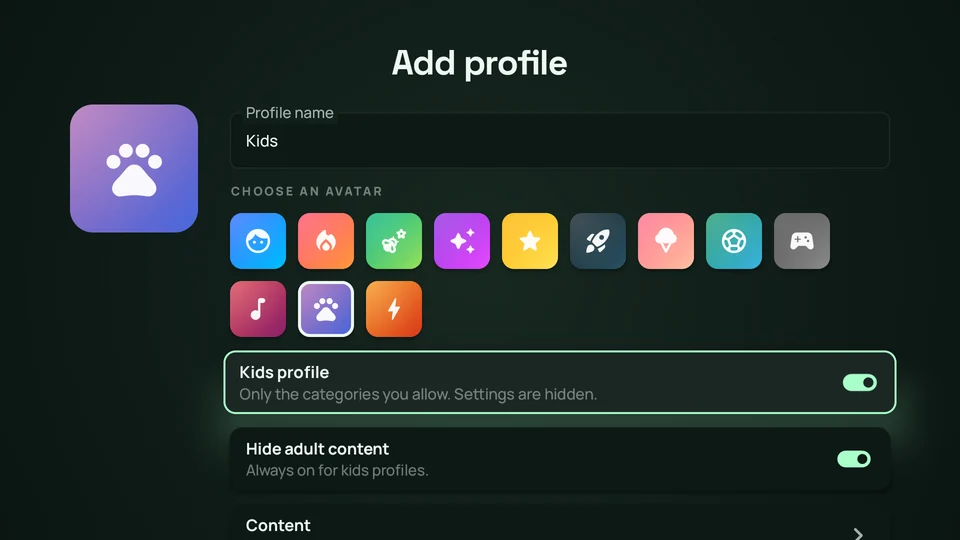
Kids profiles only see the categories you allow. Adult content stays hidden and settings are tucked away.
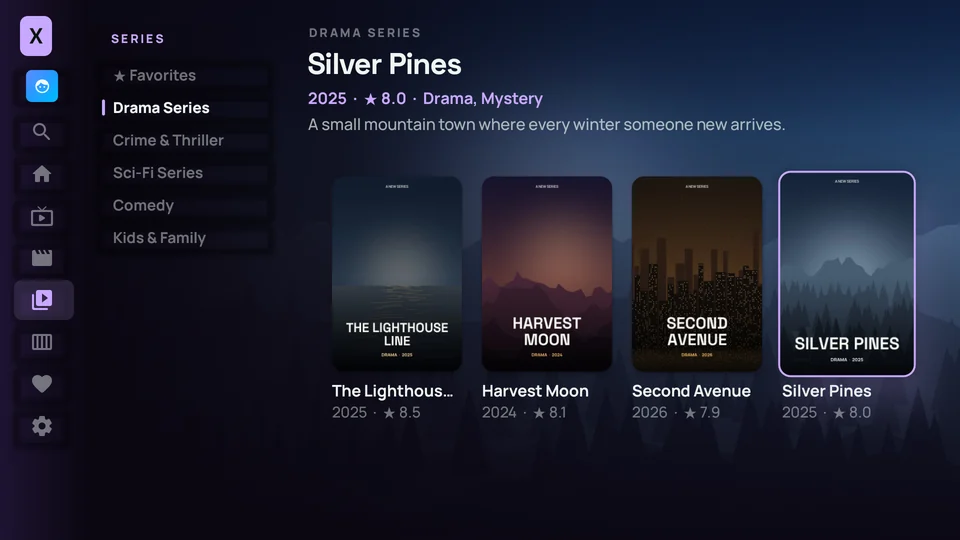
Six themes, nine accent colours, card styles and motion settings, applied instantly to every screen.
D-pad, media keys and voice remotes work everywhere, with focus remembered across screens.
Channels, movies and series in one search, with results as you type.
Touch-first navigation, landscape playback, double-tap to seek and picture-in-picture.
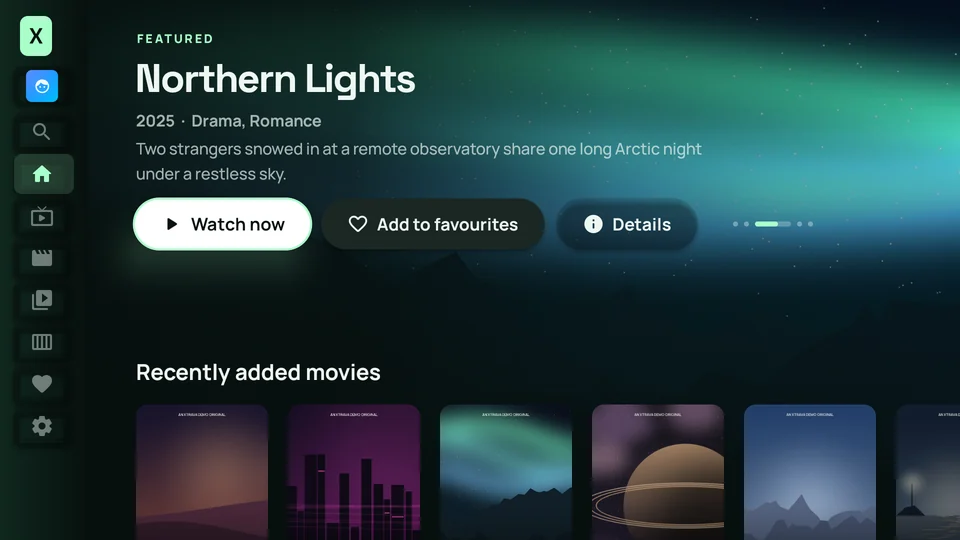
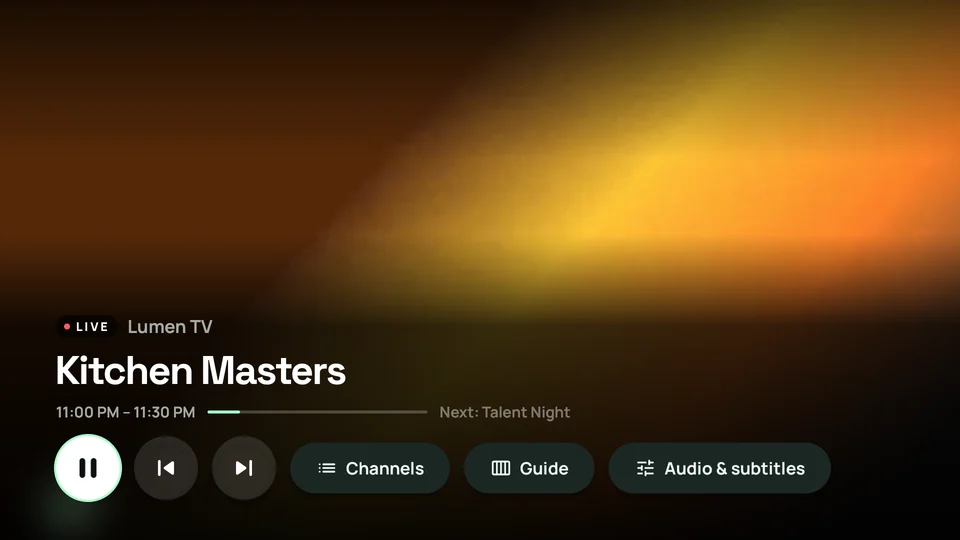
No web views, no wrappers. Xtrava is written natively for Android and plays through the same media engine trusted by the biggest streaming apps.
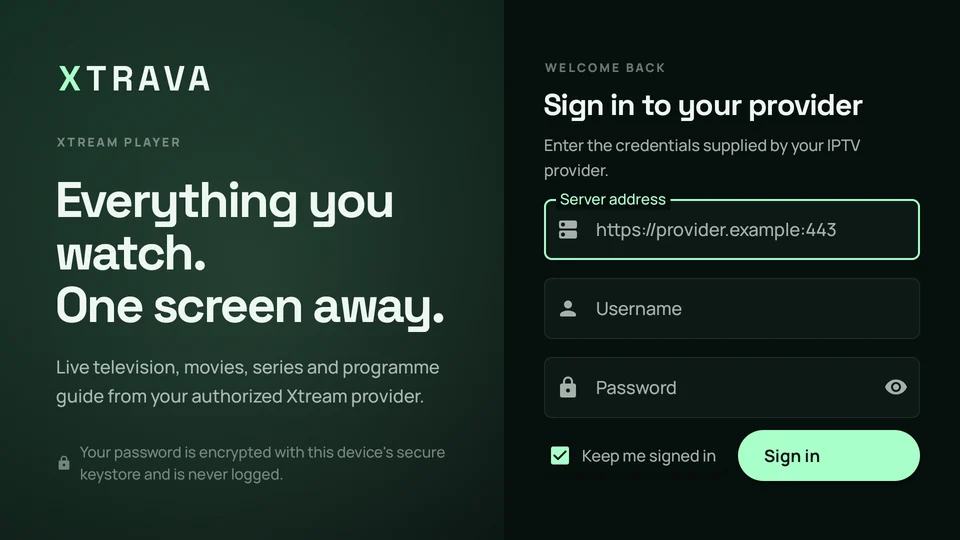
Your password is encrypted with the Android Keystore, never logged and only ever sent to your own provider.
Hardware decoding, smart caching and gentle request pacing keep things quick on streaming sticks.
Sign in with the Xtream server, username and password from the provider you are authorized to use.
No. Xtrava is a player. It contains no channels, playlists or content. You sign in with the Xtream account from the provider you are authorized to use.
One app runs on Android TV, Google TV, Amazon Fire TV, and Android phones and tablets from Android 7.0 onwards.
Yes. Each profile can have its own 4-digit PIN, kids profiles only show the categories you allow, and adult content can be hidden everywhere behind a separate PIN.
HLS, MPEG-TS, DASH and progressive files such as MP4 and MKV, decoded by your device's hardware for smooth playback.
Your password is encrypted with the Android Keystore on your device, never logged and only ever sent to your own provider.


Install Xtrava on your TV, streaming stick or phone and sign in with your provider.